Patching Raycast to Support Longer Pastes
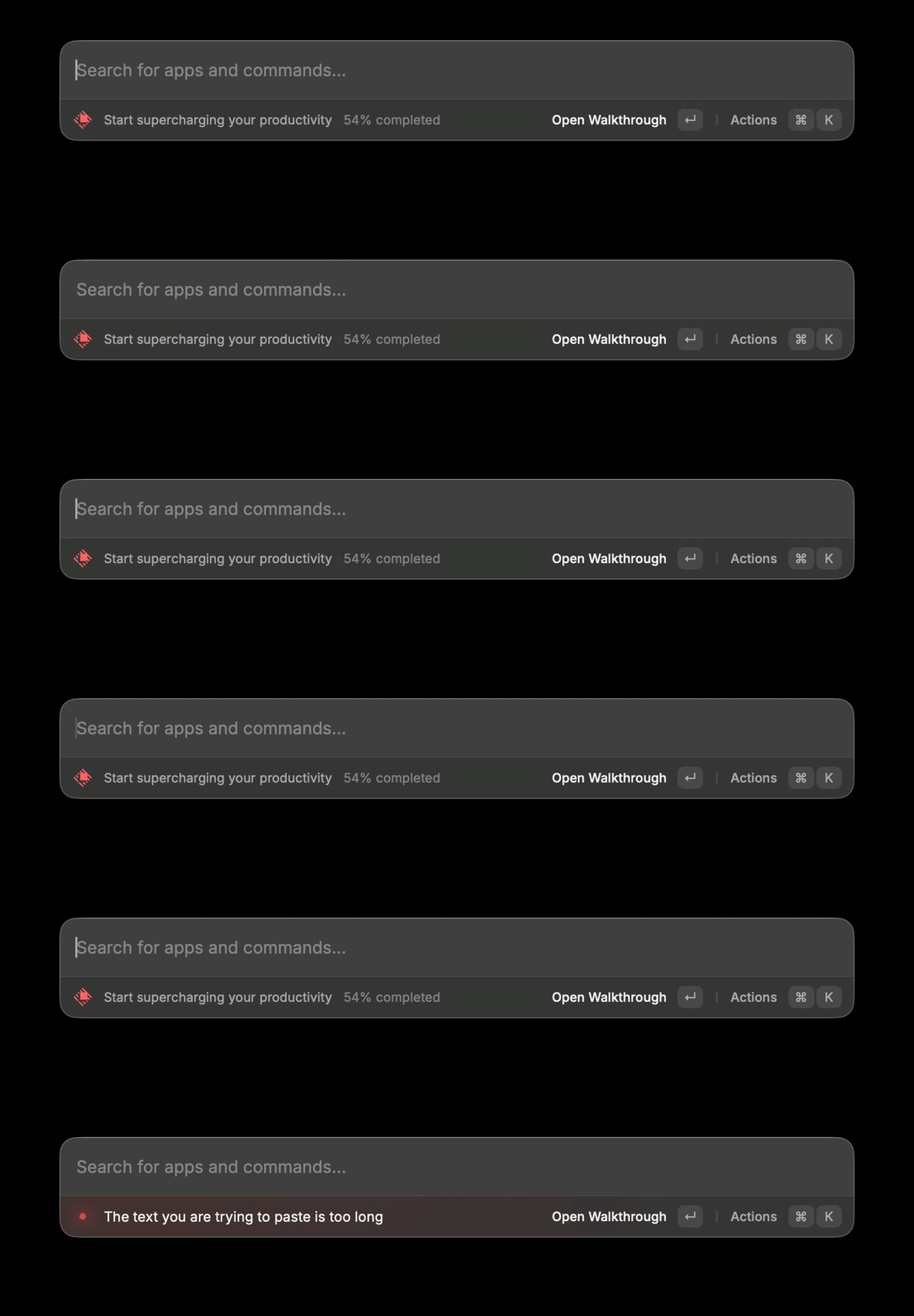
I like Raycast's Ask AI mode a lot: you type a question into the spotlight search bar followed by Tab and your assistant of choice (in this case, Gemini 2.5 Flash Lite) gives you the answer. However, for some reason, there is a max char limit on this field, which is really annoying when I am pasting stack traces or code in for a quick answer. Raycast's solution to this is to use the full "AI Chat" experience, but that ruins the point of the "Quick AI". So onto disassembling and patching it is.
Locating the Ask AI UI
JS??
My first thought was that the Spotlight "Ask AI" UI might be a web view backed by a JS bundle with a front-end maxlength or similar client-side restriction.
Raycast ships a web bundle at /Applications/Raycast.app/Contents/Resources/RaycastWeb_RaycastWeb.bundle/Contents/Resources/js/index.js
The limit might live within a React input prop like maxLength or a literal string mentioning character limits
Listing the bundle contents and confirmed that Raycast has both
- a native Mach-O code at
Contents/MacOS/Raycast - a web bundle at
Contents/Resources/RaycastWeb_RaycastWeb.bundle/.../js/index.js
Searching the JS bundle for likely indicators found no obvious Spotlight/Ask-AI paste limit and no obvious maxlength gate tied to the root search box:
> rg -n "maxlength|maxLength|character limit|char limit|too long|Ask AI" Contents/Resources/RaycastWeb_RaycastWeb.bundle/Contents/Resources/js/index.js
<nothing>
strings!
Now, time for strings
> strings Contents/MacOS/Raycast | rg -n "maxlength|maxLength|character limit|char limit|too long|Ask AI"

16639:Set up a hotkey to access Ask AI from anywhere
16671:The text you are trying to paste is too long
16703:Start a new chat after the specified timeout when opening Ask AI or Quick AI
20055:Querying shortcuts through child process (legacy) took too long
20057:Querying shortcuts through child process took too long
20062:Querying shortcuts through Scripting Bridge took too long
20341:Keyword is too long
22521:Show Ask AI hint in root search
30157:maxLength
31159:statement too long
39365:input is too long
40479:Data too long
57019:read:maxLength:
62787:write:maxLength:
70741:maxLength
71118:maxLength
74032:maxLength
83776:Ask AI
This suggested that the limit was native and not front-end JS and also told us that Raycast uses a dedicated paste-specific character limit.
Objective-C / Swift metadata
Using otool on the Mach-O to inspect class metadata and ivars:
> otool -ov Contents/MacOS/Raycast | rg -n -C 40 "pasteMaxCharactersCount"
109046-                    types   0x1d45f0 (0x1027b4200 extends past end of file)
109047-                    imp     0x0
109048-                    name    0x7e6100 (0x102dc5d18 extends past end of file)
109049-                    types   0x1d45e4 (0x1027b4200 extends past end of file)
109050-                    imp     0x0
109051-                    name    0x7e60fc (0x102dc5d20 extends past end of file)
109052-                    types   0x1af818 (0x10278f440 extends past end of file)
109053-                    imp     0x0
109054-                    name    0x7e60f8 (0x102dc5d28 extends past end of file)
109055-                    types   0x248144 (0x102827d78 extends past end of file)
109056-                    imp     0x0
109057-                    name    0x7e60f4 (0x102dc5d30 extends past end of file)
109058-                    types   0x1af850 (0x10278f490 extends past end of file)
109059-                    imp     0x0
109060-                    name    0x7e60e8 (0x102dc5d30 extends past end of file)
109061-                    types   0x1af844 (0x10278f490 extends past end of file)
109062-                    imp     0x0
109063-                    name    0x7e60e4 (0x102dc5d38 extends past end of file)
109064-                    types   0x1af838 (0x10278f490 extends past end of file)
109065-                    imp     0x0
109066-                    name    0x7e60d8 (0x102dc5d38 extends past end of file)
109067-                    types   0x1af82c (0x10278f490 extends past end of file)
109068-                    imp     0x0
109069-                    name    0x7e60d4 (0x102dc5d40 extends past end of file)
109070-                    types   0x1af850 (0x10278f4c0 extends past end of file)
109071-                    imp     0x0
109072-                    name    0x7e60c8 (0x102dc5d40 extends past end of file)
109073-                    types   0x1af844 (0x10278f4c0 extends past end of file)
109074-                    imp     0x0
109075-                optionalClassMethods 0x100000000 __mh_execute_header
109076-                instanceProperties 0x100000000 __mh_execute_header
109077-        ivars          0x102d8d520
109078-            entsize   32
109079-            count     5
109080-            offset    0x102f21f60 90
109081-            name      0x102872ef0 calculatesHorizontalIntrinsicContentSize
109082-            type      0x102785910
109083-            alignment 0
109084-            size      1
109085-            offset    0x102f21f68 96
109086:            name      0x102872ff0 pasteMaxCharactersCount
109087-            type      0x102785910
109088-            alignment 3
109089-            size      9
109090-            offset    0x102f21f70 112
109091-            name      0x102873010 reachedPasteMaxCharacterCountHandler
109092-            type      0x102785910
109093-            alignment 3
109094-            size      16
109095-            offset    0x102f21f78 128
109096-            name      0x102872bf0 changeHandler
109097-            type      0x102785910
109098-            alignment 3
109099-            size      16
109100-            offset    0x102f21f80 144
109101-            name      0x102872c00 shouldChangeHandler
109102-            type      0x102785910
109103-            alignment 3
109104-            size      16
109105-        weakIvarLayout 0x100000000 __mh_execute_header
109106-        baseProperties 0x102d8d5c8
109107-            entsize    16
109108-            count      2
109109-            name       0x102873040 placeholderAttributedString
109110-            attributes 0x102873060 T@"NSAttributedString",N,&
109111-            name       0x10278cac0 intrinsicContentSize
109112-            attributes 0x10278cae0 T{CGSize=dd},N,R
109113-Meta Class
109114-    isa        0x0 _OBJC_METACLASS_$_NSObject
109115-    superclass 0x102f21f98
109116-    cache      0x0 __objc_empty_cache
109117-    vtable     0x100000000 __mh_execute_header
109118-    data       0x102d8d4c8
109119-        flags          0x81 RO_META
109120-        instanceStart  40
109121-        instanceSize   40
109122-        reserved       0x0
109123-        ivarLayout     0x100000000 __mh_execute_header
109124-        name           0x102872fc0 _TtC9RaycastUI19SingleLineTextField
109125-        baseMethods    0x100000000 __mh_execute_header
109126-        baseProtocols  0x102d8d4b8
zimengx@U7 /A/Raycast.app
>
We see some more names, notably _TtC9RaycastUI19SingleLineTextField, which represents the native class RaycastUI.SingleLineTextField
Its ivars included:,pasteMaxCharactersCount, reachedPasteMaxCharacterCountHandler, changeHandler, and shouldChangeHandler
This meant that the Spotlight input isn't actually a stock AppKit search field but a custom field with an explicit paste cap.
Live-process inspection with LLDB
Knowing this, we can inspect the live Raycast process:
> pgrep -fl Raycast

1213 /bin/sh /Users/zimengx/Documents/Scripts/Raycast/launchSchoolBrowser.sh
1317 /Applications/Raycast.app/Contents/Extensions/RaycastAppIntents.appex/Contents/MacOS/RaycastAppIntents -LaunchArguments eyJlbmhhbmNlZFNlY3VyaXR5IjpmYWxzZSwidHlwZSI6MSwic2VydmljZU5hbWUiOiJjb20ucmF5Y2FzdC5tYWNvcy5SYXljYXN0QXBwSW50ZW50cyJ9
14807 /Applications/Raycast.app/Contents/MacOS/Raycast
Ignoring 1213 and 1317 for obvious reasons, we attach with LLDB and enumerate windows:
> lldb -b -p 14807 \
  -o 'expr -l objc++ -O -- @import AppKit; id app=(id)[NSApplication sharedApplication]; NSArray<NSWindow*> *wins=(NSArray<NSWindow*> *)[app windows]; NSMutableArray *a=[NSMutableArray array]; for (NSWindow *w in wins) { [a addObject:[NSString stringWithFormat:@"%@|%@|%@|level=%ld|key=%@|main=%@", NSStringFromClass([w class]), [w title], [w isVisible]?@"visible":@"hidden", (long)[w level], [w isKeyWindow]?@"yes":@"no", [w isMainWindow]?@"yes":@"no"]]; } a' \
  -o 'detach' -o 'quit'
We found RaycastApp.MainWindow, then traversing that window's view tree we hit our previously found RaycastUI.SingleLineTextField
This confirmed that the visible Spotlight input uses the custom text field with the paste limit ivar.
Selector and method mapping
We mapped the SingleLineTextField methods using Objective-C metadata
| Method | Location |
|---|---|
placeholderAttributedString | 0x101f93b78 |
textDidChange: | 0x101f93cac |
textView:shouldChangeTextInRange:replacementString: | 0x101f921b8 |
The method of interest was RaycastUI.SingleLineTextField textView:shouldChangeTextInRange:replacementString:, as it forwards into a helper that enforces the policy.
Applying the Patch
Disassembly
> otool -tvV Contents/MacOS/Raycast | sed -n '/101f93cac/,/101f93ea4/p'
> otool -tvV Contents/MacOS/Raycast | sed -n '/101f921b8/,/101f922f0/p'
0000000101f93cac        stp     x28, x27, [sp, #-0x60]!
0000000101f93cb0        stp     x26, x25, [sp, #0x10]
0000000101f93cb4        stp     x24, x23, [sp, #0x20]
0000000101f93cb8        stp     x22, x21, [sp, #0x30]
0000000101f93cbc        stp     x20, x19, [sp, #0x40]
0000000101f93cc0        stp     x29, x30, [sp, #0x50]
0000000101f93cc4        add     x29, sp, #0x50
0000000101f93cc8        mov     x25, x5
0000000101f93ccc        mov     x19, x4
0000000101f93cd0        mov     x21, x3
0000000101f93cd4        mov     x24, x2
0000000101f93cd8        mov     x23, x0
0000000101f93cdc        mov     x0, #0x0
0000000101f93ce0        bl      0x1025b5688 ; symbol stub for: _$sScMMa
...truncated
There was a critical portion of the helper around 0x101f92220
0000000101f92220 ldr x25, [x25]
0000000101f92224 mov x0, x22
0000000101f92228 mov x1, x21
0000000101f9222c bl  _$sSS5countSivg
0000000101f92230 cmp x25, x0
0000000101f92234 b.ge 0x101f9228c
where x25 is the configured pasteMaxCharactersCount, x0 is the count of the incoming replacement string. So if limit >= pasted_length, it would branch to the normal allow path, otherwise, fall through to the "too long" path
Immediately after the failed comparison, the code loads the reachedPasteMaxCharacterCountHandler closure and invokes it, then returns false.
We could've found where the limit was set, and then adjust that, but that would've required discovering the runtime value, as well as identify every controller that configures the field. Patching the policy is much easier.
Calculating the file offset
I mapped the VM address to a file offset. The patch target had virtual address 0x101f92234. The computed file offset was0x1f92234
xxd -g 4 -l 32 -s $((0x1f92230)) Contents/MacOS/Raycast

01f92230: 3f0300eb ca020054 687c00f0 08b947f9
Where ca020054 encodes the conditional branch.
Patching bytes
I replaced the conditional branch with an unconditional branch to the same allow target.
cp Contents/MacOS/Raycast Contents/MacOS/Raycast.bak-paste-limit
printf '\x16\x00\x00\x14' | dd of=Contents/MacOS/Raycast bs=1 seek=$((0x1f92234)) conv=notrunc
With the patched bytes:
01f92230: 3f0300eb 16000014 687c00f0 08b947f9
Re-signing and cleanup
Because the app bundle was modified, we have to re-sign it with an ad-hoc signature:
codesign --force --sign - /Applications/Raycast.app
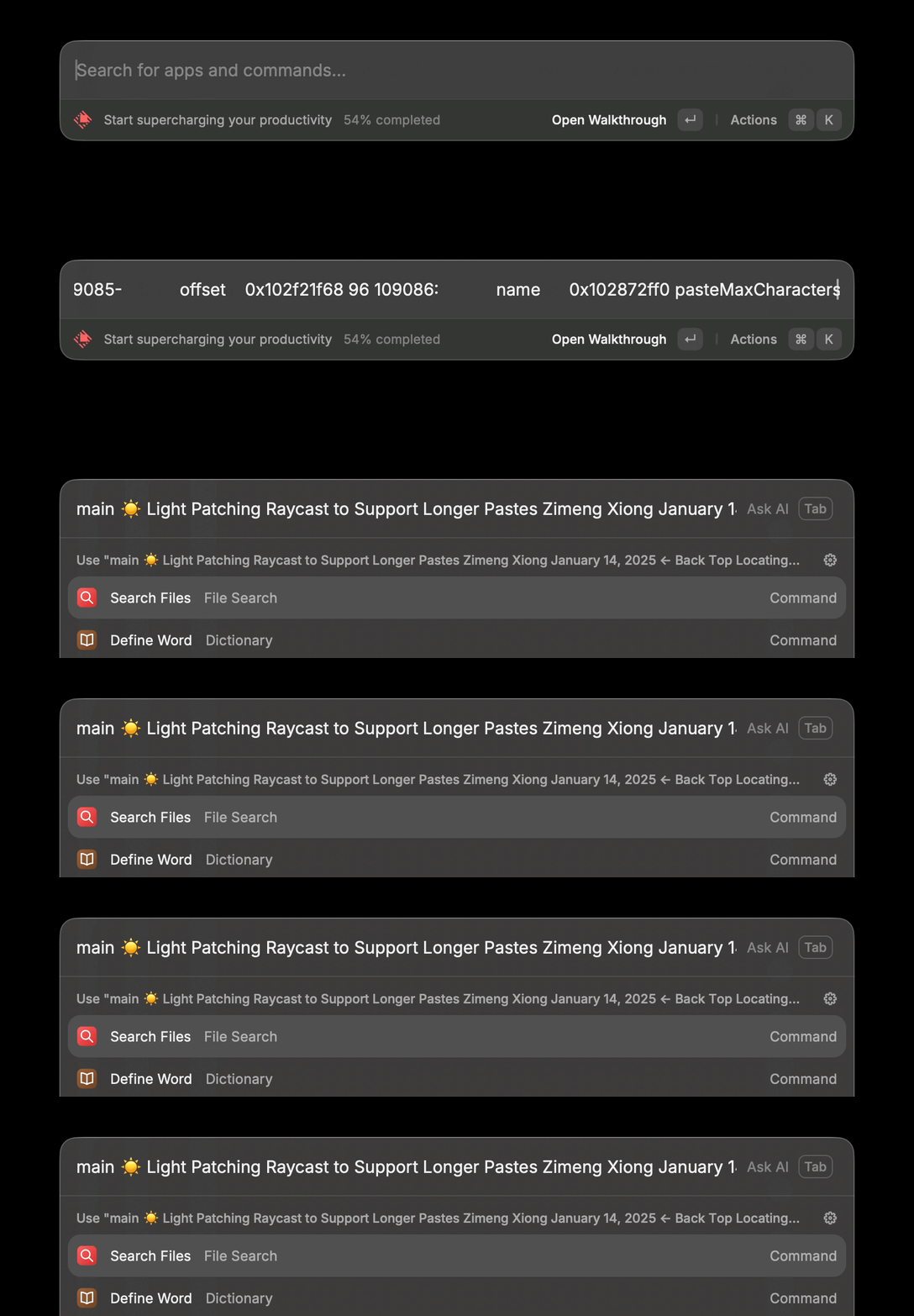
Now we can paste text as long as we want into Raycast!!
I have to say, this is one of the funner things I've done recently, RE is always thrilling 🙂.